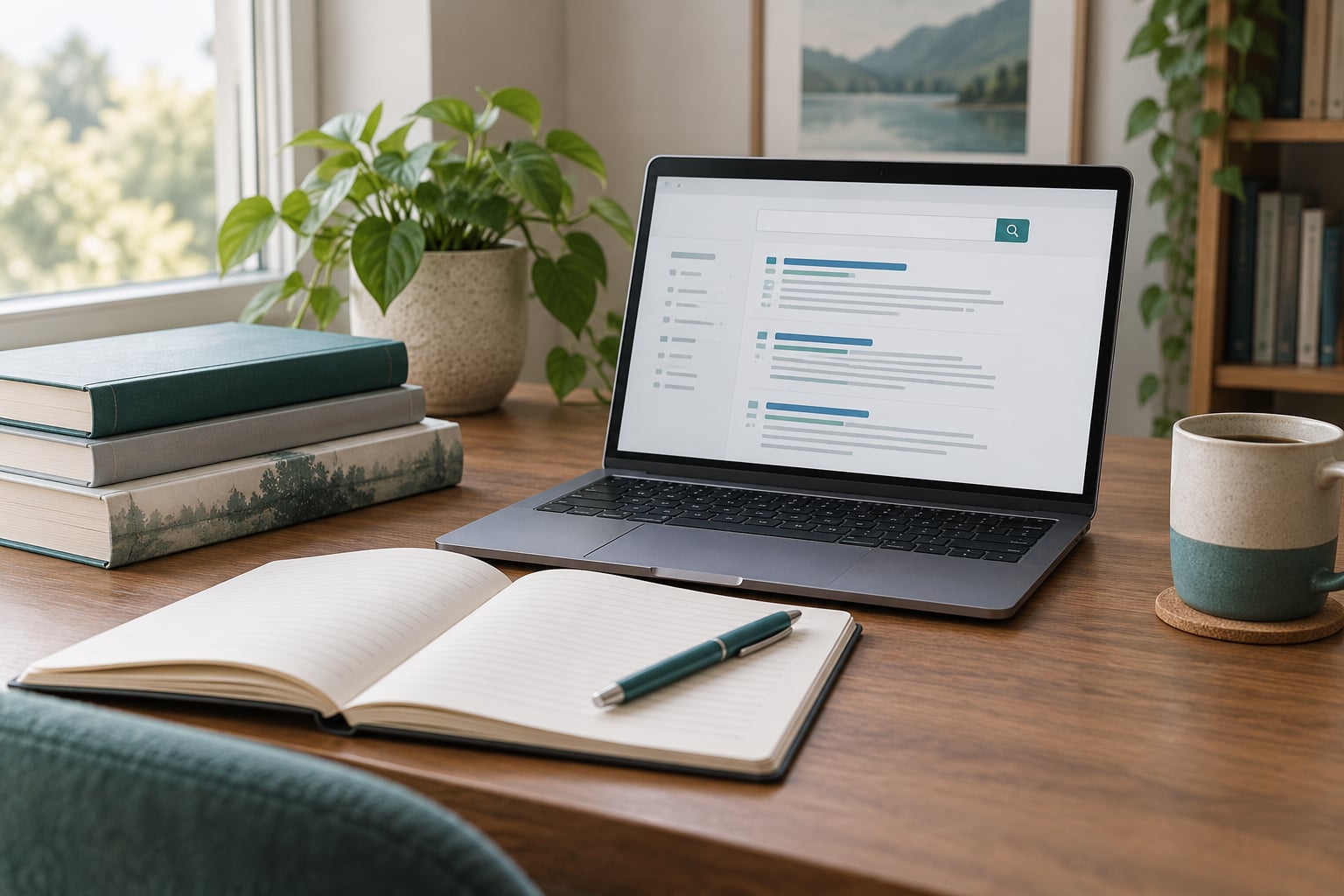
To use a library database for research, start at your library’s website, sign in with your card or student ID, pick the database that matches your subject, run a keyword search, then refine it with filters and save the citation before you open a single article. The whole loop takes about 20 minutes once you’ve done it a couple of times.
Most people get stuck at the search box. They type a full sentence, get a few thousand irrelevant hits, and conclude the database is broken. It usually isn’t. Databases expect short keyword combinations, not questions, and they reward a little setup before you begin.
This guide walks the whole path: getting in, searching, judging what comes back, and getting your citation out the other side. It also covers the two things that derail people most often, which are off-campus logins and paywalls.
Table of Contents
- What You Need
- Step-by-Step: How to Use a Library Database
- How to Access a Library Database
- How to Build a Search That Fits Your Research Question
- How to Identify Relevant and Credible Sources
- How to Save Sources and Take Research Notes
- Common Mistakes and How to Fix Them
- Frequently Asked Questions
- What is a library research database?
- Can you give me an example of a library database?
- Why use library databases instead of Google?
- What are the downsides of using Google Scholar?
- Why are my library database searches returning too many results?
- How do I get full text when a database link hits a paywall?
- Conclusion
What You Need
You need very little to get started, but five things make the difference between an hour of frustration and a clean search.
- Access. A public library card, or a student ID plus your campus credentials. Neither costs money if your institution provides them.
- A focused research question. Not a topic, a question. “Victorian poetry” is a topic; “how did Victorian poets use flower imagery to signal grief” is a question you can search for.
- Your source requirements. Check your assignment now. Date range, minimum word count, number of sources, whether they must be peer reviewed. Finding out you need five sources from the last ten years after you’ve collected twelve is wasted work.
- A citation tool decision. Decide now whether you’ll use MLA, APA or Chicago, and whether you’ll hand-type references or export them.
- Somewhere to record things. A spreadsheet, a doc, or a reference manager. Not the back of a napkin.
Write the question and the requirements on the first line of your notes file. You will refer back to them more than you expect, mostly to stop yourself drifting toward interesting but irrelevant reading.
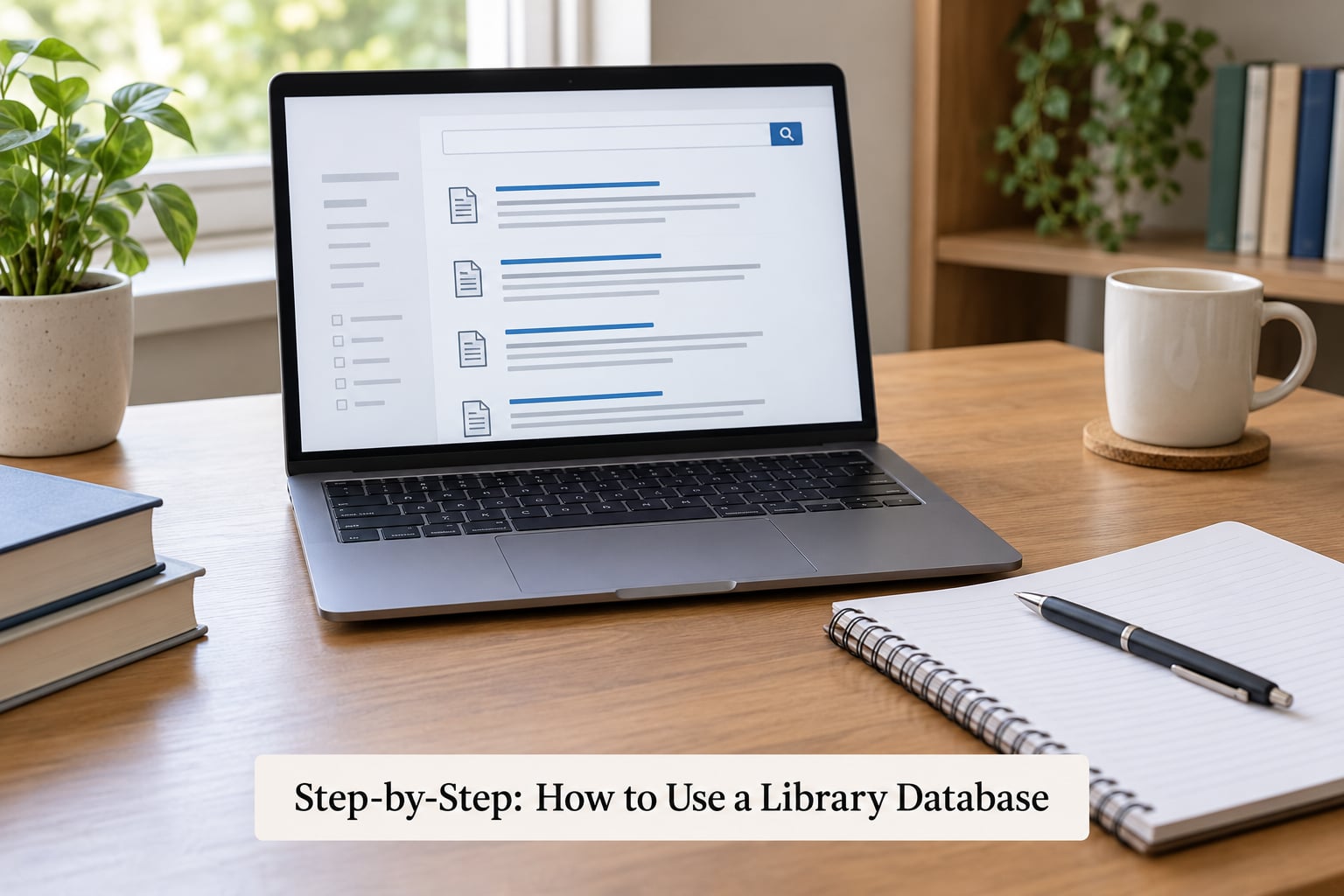
Step-by-Step: How to Use a Library Database
How to Access a Library Database
Open your library’s website and find the databases page. It is usually labelled Databases, Research, Article Databases or Find Articles. From there you can usually search the list by subject or browse by title.
If a database prompts for a login, sign in through the link on the library site rather than typing the database name into Google. Most institutions use a proxy server, which forwards your library credentials so the database recognises you as an authorised user. That single route is what makes off-campus access work.
If you are working from home and see a login screen you cannot get past, check three things in order. First, whether you went through the library’s proxy link. Second, whether your account is active. Third, whether the database is one your library actually subscribes to. Some databases show a free preview and lock the rest, and no amount of retrying fixes that one. The way through is interlibrary loan, or asking a librarian whether a different database in the same subject covers you.
You will know access worked when results appear with a “Full Text” or “PDF” link that opens without a second login.
How to Build a Search That Fits Your Research Question
Break your question into two to four core concepts, then search those concepts as keywords rather than as a sentence. For the flower imagery question, that might be Victorian poetry AND flower AND grief.
Learn the operators below. They are the whole difference between a usable result list and noise, and most databases accept the same core set.
| Operator or symbol | What it does | Example |
|---|---|---|
| AND | Requires both terms to appear | metaphor AND elegy |
| OR | Accepts either term, broadens results | sonnet OR sonnet sequence |
| NOT | Excludes a term, used sparingly | translation NOT machine |
| Quotation marks | Keeps words in exact order | “unrequited love” |
| Truncation (*) | Finds variants of a word root | orphan* catches orphaned, orphans |
| Wildcard (?) | Stands in for one character | be?tow* catches bestow and betroth |
Symbols differ by database, so check the Help link if a search errors out. Truncation has a limit in many databases, often a minimum root length, and over-truncating is a real failure mode. Searching cat* pulls in catalogue, catastrophe and catsup along with the genuine hits.
When results are too broad, add an AND term or a date filter. When they are too thin, add an OR synonym, drop a NOT, or truncate the longest word. Run the search, look at the top twenty titles, and adjust from there rather than trying to perfect the string in your head first.
One more lever worth knowing: subject headings. Every discipline has a controlled vocabulary, a fixed list of agreed terms that a database indexes. Where keyword search misses a source, the subject heading often finds it, because the cataloger used the same word the paper’s author did. Look for a subject terms field on the result record, or a thesaurus button in the search interface, and follow the broader-to-narrower links when you find one.
How to Identify Relevant and Credible Sources
Judge each result on five things: title, abstract, author, publication, and source type. Read the abstract in full. If it doesn’t connect back to your question in a sentence, move on.
Then check the source. For authority, look at whether the author is affiliated with an institution, has a published record or is known in the field. For currency, look at the date and the journal’s issue frequency, since a 1998 study of language may still be the right source for a historical question but not for a current one. For source type, know what you are looking at: a peer-reviewed journal article has been read by other specialists before publication, a book chapter is usually more specialised, and a magazine or news item generally has not been reviewed at all.
Peer review is a strong signal, not a guarantee of accuracy, and plenty of useful material in the humanities is not peer-reviewed in the way a science paper is. A digitized archive of first-hand letters may be exactly what your argument needs.
Don’t assume the first result is the best result. Sorting by relevance in a database is decent but not flawless, and the papers that surface most often are the most-cited, not the most-applicable.
How to Save Sources and Take Research Notes
Record citation details the moment you decide a source is worth reading. Do it while the record is open, because reconstructing a citation from memory later is how DOIs get typed wrong and page ranges get dropped.
Better still, use the database’s built-in export. Look for a Cite button, a quotation-mark icon, or a “Save” or “Export” option in the toolbar. Most databases will hand you a formatted reference in MLA, APA or Chicago, and many can push the record straight into Zotero or EndNote so the citation stays attached to the PDF.
Save the PDF or the permalink as well. A permalink is a stable address that keeps you on the same page number next time you open it, which a search result does not.
When you take notes, write what the source claims and how you will use it, not a block of copied text. A three-line note that says what the argument is, what evidence it uses and where it might sit in your outline is worth more than three paragraphs of highlighted quotation you will never reread.
Use the Read with the free account or Find It buttons when a record shows an abstract but no full text. Your library’s link resolver will check every subscription database at once and, failing that, will offer interlibrary loan.
Common Mistakes and How to Fix Them
These are the six failures that account for nearly all wasted searching time.
| Mistake | What happens | The fix |
|---|---|---|
| Searching a whole question | The database looks for every word in order and returns almost nothing | Reduce it to two to four keywords joined by AND |
| Too many results | You skim the first page and use sources that don’t fit | Add an AND term, set a date range, and filter to peer reviewed |
| Too few results | You conclude the topic has no scholarship on it | Add OR synonyms, drop a NOT, truncate the longest word, check subject headings |
| Over-truncating | Irrelevant noise crowds out the real hits | Truncate one keyword at a time and rerun the search |
| Not recording citations | You end up hand-typing references from memory and getting them wrong | Export the citation the moment a source passes your relevance test |
| Mixing source types without a reason | The bibliography looks incoherent and hard to follow | Decide up front which types you need and why |
Two more that come up often. Confusing a library catalog with a database: the catalog tells you what the library owns, while a database searches across the world’s journals whether or not your library owns the item. And relying on an abstract alone. Abstracts describe what a paper covers, not whether its argument holds up, so read the introduction at minimum before you cite it.
If you are genuinely stuck on a niche topic, ask a librarian. Chat reference is usually faster than email, and librarians are used to the “too general or too irrelevant” problem, which is the most common complaint about searching for a specialised subject.
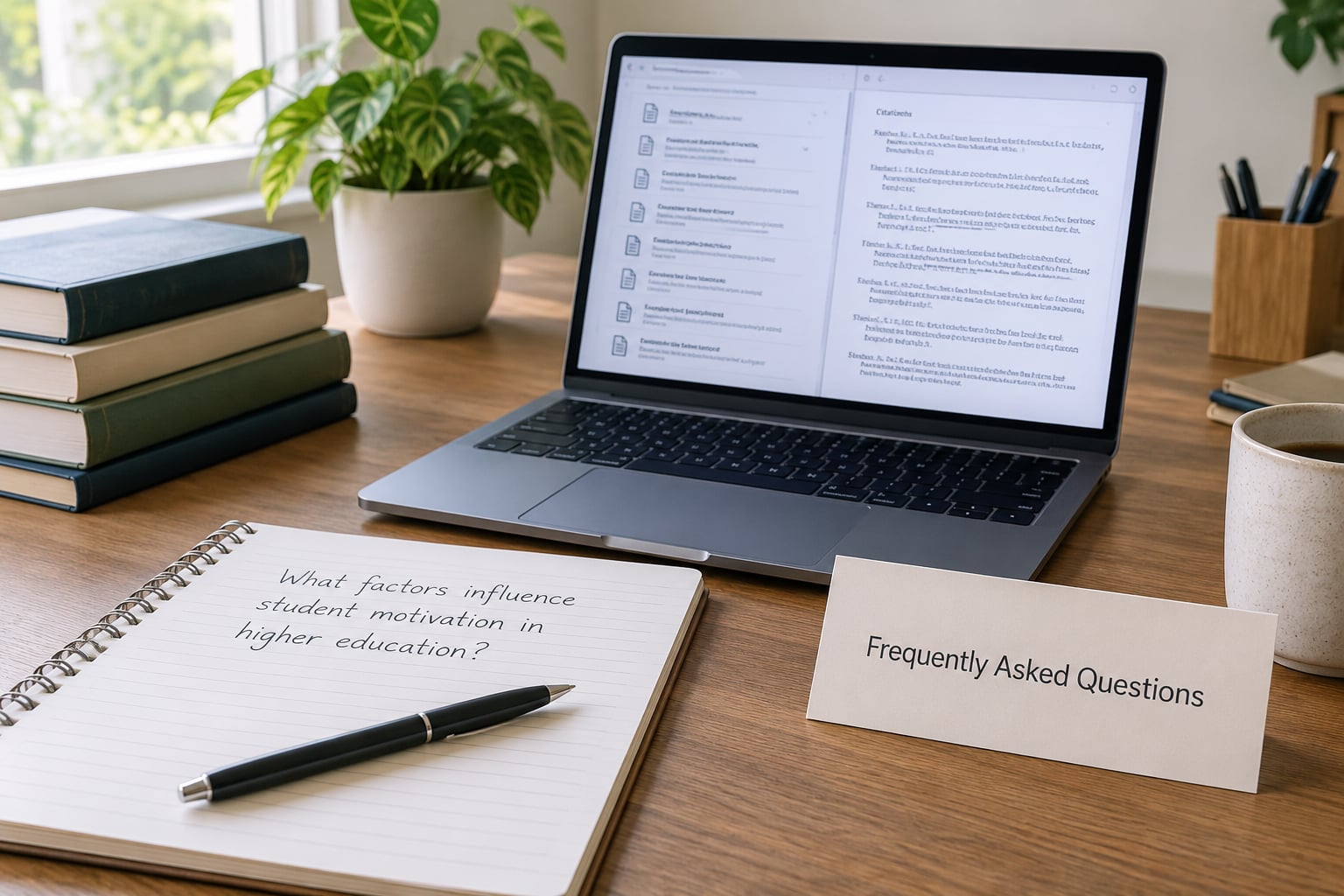
Frequently Asked Questions
What is a library research database?
A library research database is a searchable, subscription-based collection of indexed articles, books, dissertations and reference entries that you access through your library’s website using a student ID or library card. Unlike the open web, it is curated for academic work, includes peer-reviewed material, and comes with filters and citation tools built in. Most full texts are not freely available anywhere else.
Can you give me an example of a library database?
JSTOR holds journals across the humanities and social sciences, EBSCOhost bundles general and subject-specific collections, and ProQuest covers dissertations and many periodical databases. For literary studies, the MLA International Bibliography is a standard starting point, and Project MUSE covers many humanities journals. Names and coverage change, so search your own library’s database list rather than trusting a list from any single article.
Why use library databases instead of Google?
Because Google searches the open web, which is mostly what is free to read. A library database searches material that is indexed by subject, checked by editors, and often behind a paywall your library has already paid for. You also get a peer-review filter, a date limit, and one-click citations formatted in your required style. Google stays useful for news, primary documents and grey literature.
What are the downsides of using Google Scholar?
It is free and broad, which is genuinely useful. The problems are reliability: coverage depends on what publishers have chosen to make discoverable, results are not consistently filtered by peer-review status, full text is often missing, and citation formatting is manual. A library database gives you a bounded, filtered set with tools attached. Many students use Scholar as a supplement rather than a replacement.
Why are my library database searches returning too many results?
You are probably searching a topic rather than a question, so every broad term in the field is matching. Add an AND term that reflects your specific angle, apply a date range, and filter to peer-reviewed or full-text-available if your assignment allows it. If results collapse to nothing, you over-filtered, so remove one limit at a time and watch the count move.
How do I get full text when a database link hits a paywall?
Go back to the library’s own site and search the record there, or use the database’s Find It or Check availability button, which searches all your library’s subscriptions at once. If nothing matches, request the article through interlibrary loan, usually a scan delivered to your inbox within a few days. Do not build an argument around a source you have only read an abstract of.
Conclusion
Start with a question you can actually search, not a subject. Run one broad keyword search, then refine with AND terms and filters until the top results read like they belong to your project. Evaluate a handful properly, and export the citation as you go rather than at the end.
And remember that a database is a tool, not a test. A librarian would rather spend ten minutes with you before the search than after you have written three pages against the wrong sources.